A case note · one page
How I made a website with AI Quicksite
I started with one plain sentence and ended up with a site I could open in a browser. Here is the whole thing, in the order it happened.
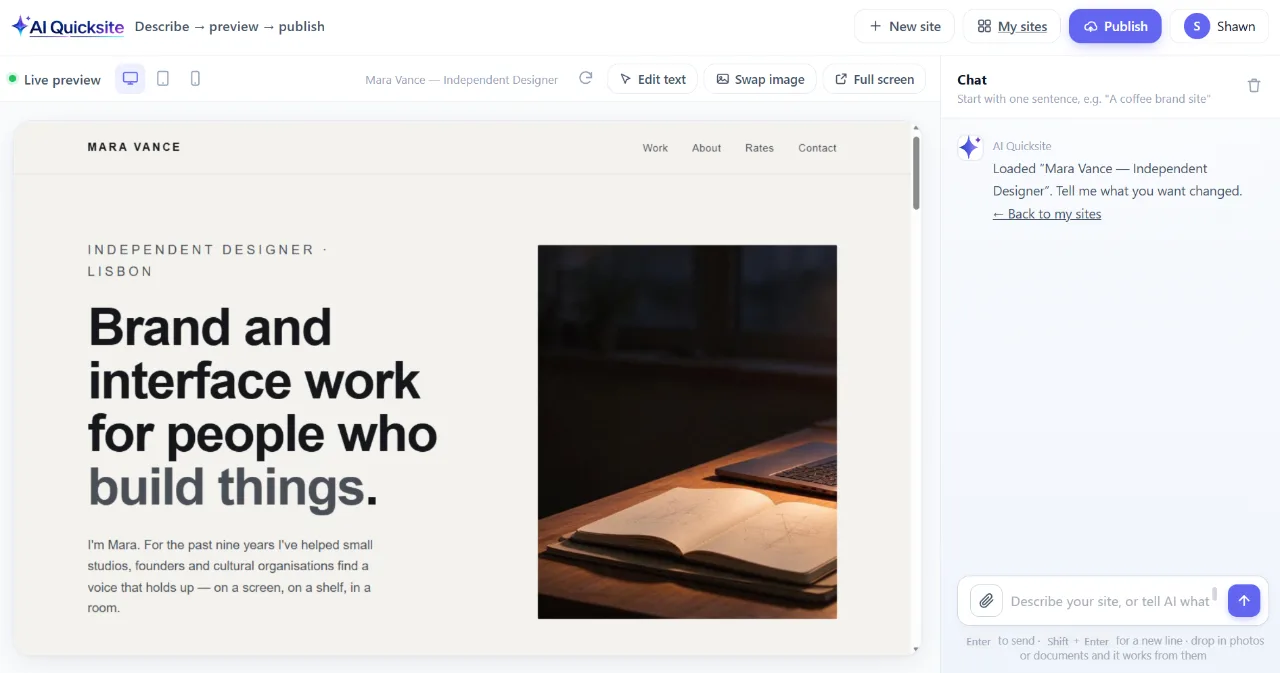
What I typed
This was the entire brief. No template, no settings panel, no list of pages to tick off.
What came back
-
It read the sentence
It picked out the kind of business, the colours I wanted and the three things the site had to do — menu, address, booking.
-
It planned the pages
A home page plus the subpages that made sense for a coffee shop, with a working navigation between them.
-
It wrote the site
Layout, colours, headings and body copy, all in one go. I watched it appear in the preview panel while it worked.
-
It showed me the result
Not a mock-up — a real preview I could scroll through and click around, page to page.
What I changed
Then I kept talking to it. Each of these was one line, typed the way I would say it out loud.
“Make the headline smaller and give it more room above.”
It adjusted the heading on the home page and left the rest of the layout alone.
“Use this photo instead of the one on the opening screen.”
I dropped in my own picture and it swapped it in, keeping the same framing.
“The booking form should ask for a phone number too.”
One extra field appeared in the form. Nothing else on the page moved.
That was the whole process — a sentence, a site, then a handful of small corrections in ordinary English. I never opened a settings panel or looked at the code. If you can describe the site you want, you can get one.
Try AI Quicksite →